

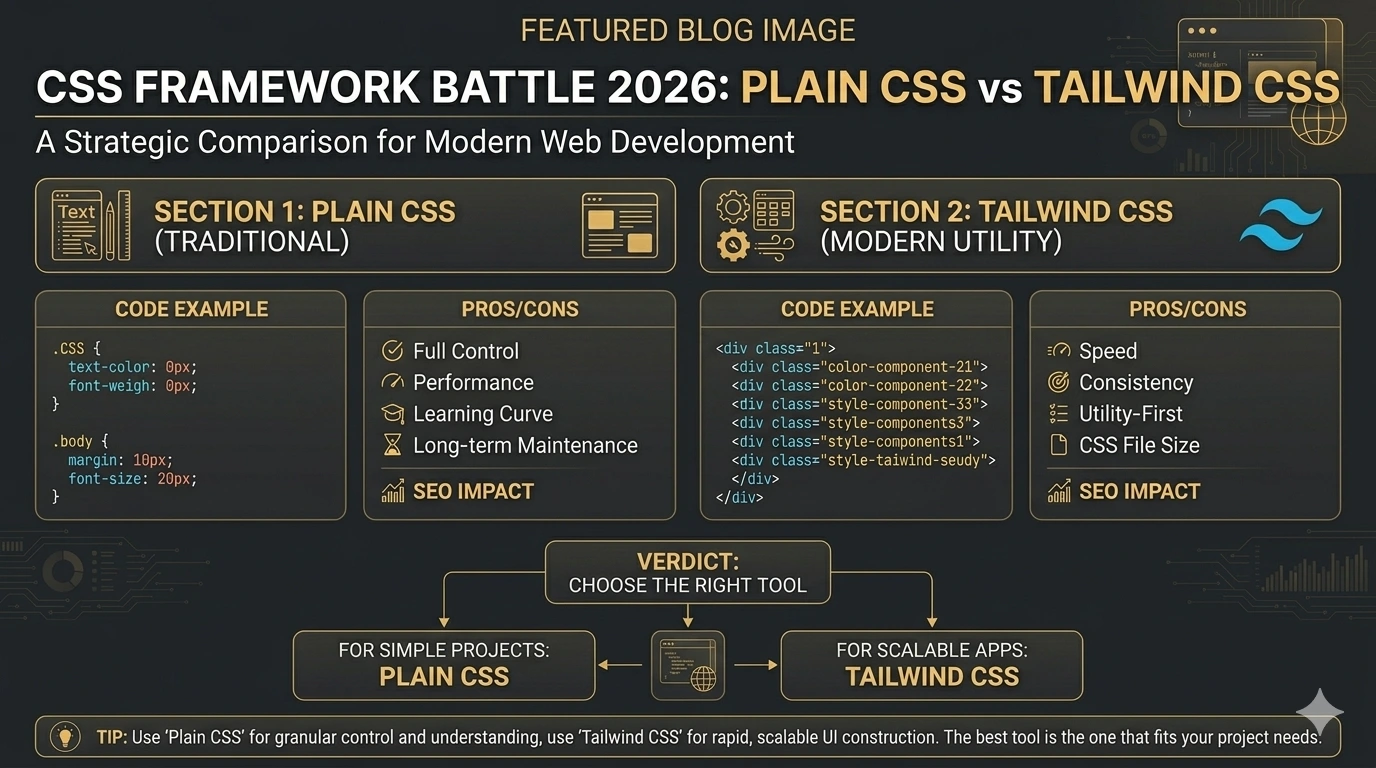
If you’ve been in web development for more than five minutes recently, you’ve probably heard heated opinions on both sides: “Tailwind is the future” versus “Just write real CSS.”
Both camps make valid points. And the truth — as it usually is in development — is more nuanced than either side admits.
In this post, I’ll break down the real differences between plain CSS and Tailwind CSS: how they work, where each one shines, where each one struggles, and which one you should actually choose for your next project in 2026.
I use both in my own work depending on the project. By the end of this guide, you’ll know exactly when to reach for each one.
What Is Plain CSS?
Plain CSS (also called vanilla CSS or traditional CSS) is the native styling language of the web. You write a separate .css file, define class names, and apply styles using selectors.
css
/* styles.css */
.btn {
  display: flex;
  justify-content: center;
  align-items: center;
  padding: 12px 24px;
  background-color: #2563eb;
  color: white;
  font-size: 16px;
  border-radius: 8px;
}
html
<!-- index.html -->
<button class="btn">Get Started</button>
Plain CSS gives you complete control. You name your classes, you decide your file structure, and you write every rule manually. It’s the foundation that every CSS framework — including Tailwind — is built on top of.
What Is Tailwind CSS?
Tailwind CSS is a utility-first CSS framework. Instead of writing custom CSS classes, you apply small, single-purpose utility classes directly in your HTML.
html
<!-- index.html — Tailwind approach -->
<button class="flex items-center justify-center px-6 py-3 bg-blue-600 text-white text-base rounded-lg">
  Get Started
</button>
No separate CSS file. No custom class names. Just pre-built utility classes that each map to a single CSS property.
Tailwind uses a build process to scan your HTML and JavaScript files for class names, then generates only the CSS that’s actually used — resulting in tiny production CSS files.
The Core Philosophy Difference
This is the most important thing to understand before diving into comparisons:
Plain CSS follows a semantic approach — you name your classes based on what the element is (.btn, .hero-section, .card-title). Your CSS file describes what things look like.
Tailwind CSS follows a utility-first approach — you name your classes based on what they do (flex, px-6, bg-blue-600). Your HTML describes what things look like.
Neither is objectively correct. They’re genuinely different philosophies with different trade-offs.
Side-by-Side Comparison
Code Example: A Simple Button
Plain CSS:
css
.btn-primary {
  display: flex;
  align-items: center;
  padding: 12px 24px;
  background-color: #2563eb;
  color: #ffffff;
  border-radius: 8px;
  font-size: 16px;
  font-weight: 500;
  border: none;
  cursor: pointer;
}

.btn-primary:hover {
  background-color: #1d4ed8;
}
html
<button class="btn-primary">Get Started</button>Tailwind CSS:
html
<button class="flex items-center px-6 py-3 bg-blue-600 hover:bg-blue-700 text-white text-base font-medium rounded-lg border-none cursor-pointer">
  Get Started
</button>
Same result. Two very different approaches to get there.
Round-by-Round Comparison
Round 1: Development Speed
Winner: Tailwind CSS (for experienced developers)
With Tailwind, you never leave your HTML file. There’s no context-switching between HTML and CSS, no naming debates, no file juggling. For experienced developers who know the utility class names, UI development is significantly faster.
With plain CSS, you write a class name in HTML, switch to your CSS file, write the styles, switch back. It’s a small friction per element, but it compounds quickly across a large project.
Caveat: This speed advantage only applies once you know Tailwind’s class names. The first week with Tailwind is slower, not faster.
Round 2: Learning Curve
Winner: Plain CSS (for beginners)
If you’re new to web development, learn plain CSS first — no debate. Plain CSS teaches you the actual CSS properties, how the cascade works, how specificity works, and how the box model behaves. These are foundational concepts you must understand.
Tailwind is a layer of abstraction on top of CSS. If you don’t understand what flex, items-center, and justify-between actually do in CSS, you’re just copying class names without understanding them.
Learn CSS → then learn Tailwind. In that order, always.
Round 3: HTML Readability
Winner: Plain CSS
Let’s be honest: long Tailwind class strings are ugly.
html
<!-- Tailwind — hard to scan at a glance -->
<div class="flex flex-col md:flex-row items-start md:items-center gap-4 p-6 bg-white rounded-xl shadow-sm border border-gray-100 hover:shadow-md transition-shadow duration-200">
html
<!-- Plain CSS — instantly readable -->
<div class="service-card">
With plain CSS, your HTML stays clean and semantic. When you open an HTML file six months later, .service-card tells you exactly what the element is. A wall of Tailwind utilities doesn’t.
Tailwind defenders argue that you shouldn’t need to guess what an element is because the styles are right there in front of you — which is fair. But for team projects and long-term maintainability, semantic class names win on readability.
Round 4: CSS File Size & Performance
Winner: Tailwind CSS (in production)
This is where Tailwind genuinely shines. In production, Tailwind’s PurgeCSS integration scans your code for used class names and removes everything else. The result is typically a CSS file of just 5–15KB — compared to hand-written CSS files that can easily balloon to 50–200KB on larger projects.
Smaller CSS = faster page load = better Core Web Vitals = better Google rankings.
Plain CSS requires discipline to stay lean. Without careful architecture, CSS files grow with the project and often accumulate dead styles that nobody dares delete.
Round 5: Consistency & Design Systems
Winner: Tailwind CSS
Tailwind enforces a design system by default. When every developer on the team uses the same spacing scale (p-4, p-6, p-8), the same color palette (blue-600, gray-100), and the same type scale (text-sm, text-base, text-lg), the UI stays visually consistent without a style guide document.
With plain CSS, inconsistency creeps in easily. One developer uses padding: 16px, another uses padding: 1rem, another uses padding: 15px. Over time, plain CSS projects without strict conventions become inconsistent.
Round 6: Customisation & Flexibility
Winner: Plain CSS (for complex designs)
For highly custom designs — unique animations, complex multi-state components, intricate layout systems — plain CSS gives you complete freedom. You can write exactly what you need, when you need it.
Tailwind can handle most custom designs through its tailwind.config.js file and arbitrary value syntax (w-[347px], bg-[#2563eb]), but it can start to feel like fighting the framework for very unconventional designs.
Round 7: Maintainability on Large Projects
Winner: Depends on team size
For solo developers or small teams: Tailwind wins. Everything is co-located in the HTML — you change the look by changing the HTML, and you never have dead CSS styles haunting your codebase.
For large teams with strict naming conventions: plain CSS (or CSS Modules) can win. Semantic class names make large codebases easier to navigate, and CSS Modules eliminate naming collision entirely.
When to Use Plain CSS
Choose plain CSS when:
- You’re learning web development — build your CSS fundamentals first
- You’re working on a project with a highly custom, bespoke design
- Your team prefers semantic, readable HTML
- You’re building a design system or component library
- You’re working with a CMS (like WordPress) where you don’t control the HTML markup
- You need to override or extend a third-party component’s styles
When to Use Tailwind CSS
Choose Tailwind CSS when:
- You’re building a new project from scratch with a modern build setup
- You want fast UI development and your team knows Tailwind
- You’re building with React, Next.js, Vue, or other component-based frameworks
- You want consistent spacing, colors, and typography enforced automatically
- You’re building a SaaS product, dashboard, or application UI
- Page load performance and CSS file size are priorities
What About WordPress? Plain CSS vs Tailwind
Since many of my clients use WordPress, this question comes up often.
For WordPress themes: Plain CSS is still the default and most practical choice. WordPress outputs HTML through PHP templates, page builders (Elementor, Divi), and plugins that you don’t control. You can’t add Tailwind classes to Gutenberg’s generated markup.
For custom WordPress block themes or headless WordPress setups: Tailwind CSS works excellently — especially when building custom block patterns or a headless frontend with Next.js consuming the WordPress REST API.
My approach: For standard WordPress client sites, I use plain CSS with a well-structured BEM naming convention. For custom React or Next.js projects, I reach for Tailwind almost every time.
Plain CSS vs Tailwind CSS for SEO
From a Technical SEO perspective, neither approach is inherently better for rankings. What matters is the output — not how you wrote the CSS.
That said, there are indirect SEO impacts:
Tailwind CSS advantages for SEO:
- Smaller production CSS bundle → faster page load → better LCP score
- Faster development → more time to focus on content and on-page SEO
- Built-in responsive utilities make mobile-first design easier
Plain CSS advantages for SEO:
- Cleaner HTML structure (no long class strings) can marginally improve HTML parsing speed
- Easier to audit and optimise specific styles that affect CLS or layout shift
For a full breakdown of how page speed affects your rankings, check out my post on Core Web Vitals in 2026.
The Honest Verdict
| Factor | Plain CSS | Tailwind CSS |
|---|---|---|
| Learning curve | Easier to start | Steeper initially |
| Development speed | Slower | Faster (once learned) |
| HTML readability | Clean | Cluttered |
| CSS file size | Can grow large | Tiny in production |
| Design consistency | Requires discipline | Enforced by default |
| Flexibility | Complete freedom | Great with config |
| WordPress compatibility | Excellent | Limited (standard WP) |
| Best for beginners | Yes | No |
| Best for React/Next.js | Works fine | Excellent |
My personal recommendation:
Learn plain CSS first — properly, not just superficially. Then add Tailwind to your toolkit. They’re not enemies. Many professional projects use both: Tailwind for utility-heavy UI components and custom CSS for complex animations, overrides, and legacy integration.
The best developers in 2026 aren’t loyal to one approach. They pick the right tool for the job.
Frequently Asked Questions
Should I learn plain CSS or Tailwind CSS first?
Always learn plain CSS first. Tailwind is built on CSS concepts — without understanding flexbox, grid, and the box model, Tailwind class names will be meaningless. Once you know CSS, picking up Tailwind takes just a few days.
Is Tailwind CSS better for SEO than plain CSS?
Indirectly, yes — Tailwind’s PurgeCSS produces smaller CSS files, which speeds up page loads and improves Core Web Vitals scores. But neither approach has a direct SEO advantage. Performance optimisation matters more than which framework you choose.
What are the main disadvantages of Tailwind CSS?
HTML becomes cluttered with long class strings, it has an initial learning curve, it requires a build tool setup, and dynamic class names can be tricky since Tailwind only includes classes it finds as complete strings in your code.
Do professional developers use Tailwind CSS in 2026?
Yes — Tailwind has become one of the most widely adopted CSS approaches among professional developers, used at companies like GitHub, Shopify, and NASA. That said, many professional projects still use plain CSS or CSS Modules, especially for strict design systems.
Final Thoughts
The Plain CSS vs Tailwind CSS debate is less about which is “better” and more about which is right for your context.
Both are valid. Both are used in production by world-class teams. The developers who waste the most time are the ones who get caught up in the debate instead of shipping great work.
Learn both. Use both where they fit. And if you’re just starting out — start with plain CSS.
If you’re planning a new website build and want expert guidance on the best technical stack for your needs — WordPress, Webflow, custom React, or something else entirely — let’s talk. I’ve built projects with all of them.